
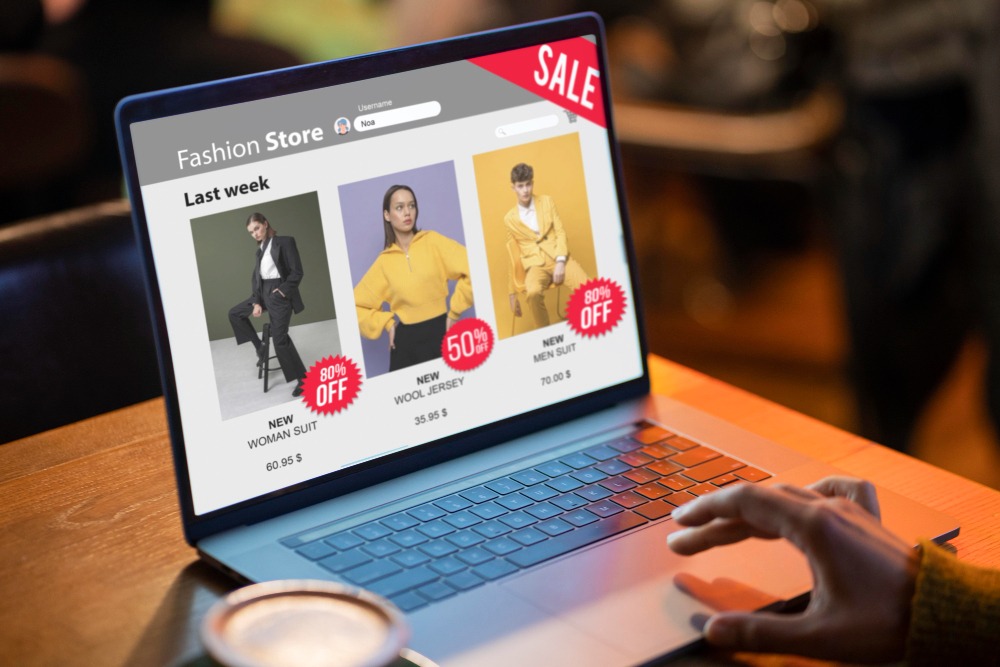
If you’re running a Shopify store, design is more than just aesthetics — it directly impacts how much you sell. A great-looking store with poor usability can lose customers quickly, while a clean, conversion-focused design can boost sales significantly. Here’s how to design your Shopify store for higher conversions. (Shopify Store Design Tips for Higher Conversions)
Why Shopify Store Design Matters
Your store’s layout, speed, and visuals determine whether visitors stay or bounce. In the digital world, first impressions are everything. If your Shopify store is hard to navigate, cluttered, or slow to load, potential customers will leave — often within seconds.
Here’s what your store design should aim to do:
- Build trust instantly
- Make navigation intuitive
- Highlight products and CTAs
- Load fast on all devices
- Make the checkout process seamless
1. Keep the Design Clean and Focused
Minimalism isn’t boring — it’s powerful. A clutter-free homepage allows your main offers and products to stand out. Avoid using too many colors, fonts, or popups. Instead, guide the visitor’s eyes to what matters most.
Tips:
- Use whitespace to reduce visual noise
- Stick to 2-3 brand colors
- Use clear call-to-action (CTA) buttons
2. Use High-Quality Product Images
Professional images increase perceived value. Your photos should highlight the product from multiple angles and show it in use. Consider adding a zoom feature or 360° view for more engagement.
Bonus Tip: Use lifestyle photos to help buyers imagine using your product in real life.
3. Optimize for Mobile First
Over 70% of Shopify store traffic comes from mobile devices. If your store isn’t optimized for mobile, you’re losing potential sales.
Mobile optimization checklist:
- Fast loading speed
- Easy-to-read fonts
- Mobile-friendly buttons and navigation
- Simplified mobile checkout
4. Improve Page Speed
Site speed is critical — a one-second delay can reduce conversions by 7%. Compress images, use fast Shopify themes, and avoid heavy animations that slow down performance.
Tool to test speed:
Use Google PageSpeed Insights to analyze and improve your store speed.
5. Add Clear CTAs Across the Store
Every page should guide the visitor to take action — whether it’s “Add to Cart,” “Buy Now,” or “Learn More.” Your CTA buttons should stand out using contrasting colors and action-driven text.
Examples of strong CTAs:
- “Shop the Collection”
- “Claim Your Discount”
- “Only 5 Left – Buy Now!”
6. Showcase Reviews and Social Proof
Nothing builds trust like seeing others happy with your product. Include star ratings, customer reviews, and even Instagram feeds to show real user content.
Pro Tip: Add reviews directly under the product title or near the CTA button for maximum visibility.
7. Simplify the Checkout Process
A complicated checkout is a conversion killer. Make it short, smooth, and distraction-free.
How to optimize:
- Offer guest checkout
- Use progress bars (e.g., Shipping → Payment → Done)
- Display total price clearly, including shipping and taxes
8. Leverage Trust Badges and Policies
Show that your site is secure and trustworthy by adding trust badges, return policy links, and secure payment icons (like Visa, Mastercard, PayPal).
This reassures hesitant buyers and can increase your conversion rate.
9. Use Smart Upselling & Cross-Selling
Suggest complementary products or premium versions on product pages and in the cart. Done right, it increases average order value without being pushy.
Examples:
- “You may also like…” section
- Bundle offers like “Buy 2, Get 1 Free”
10. Add Live Chat or Support Options
Sometimes visitors just need a quick answer to buy with confidence. A live chat feature can bridge that gap instantly.
Tip: Even an automated FAQ chatbot helps reduce bounce and boost trust.
Final Thoughts
Your Shopify store is your digital storefront — treat it like a high-performing sales machine. By applying the above design tips, you’ll not only increase conversions but also create a better shopping experience for your customers. (Shopify Store Design Tips for Higher Conversions)
📌 Need help optimizing your Shopify store for more sales?
Visit sauni.tech — we specialize in Shopify store design, UX improvements, and conversion optimization for growing online brands.
📷 Also, check out our latest Shopify design projects on Instagram.